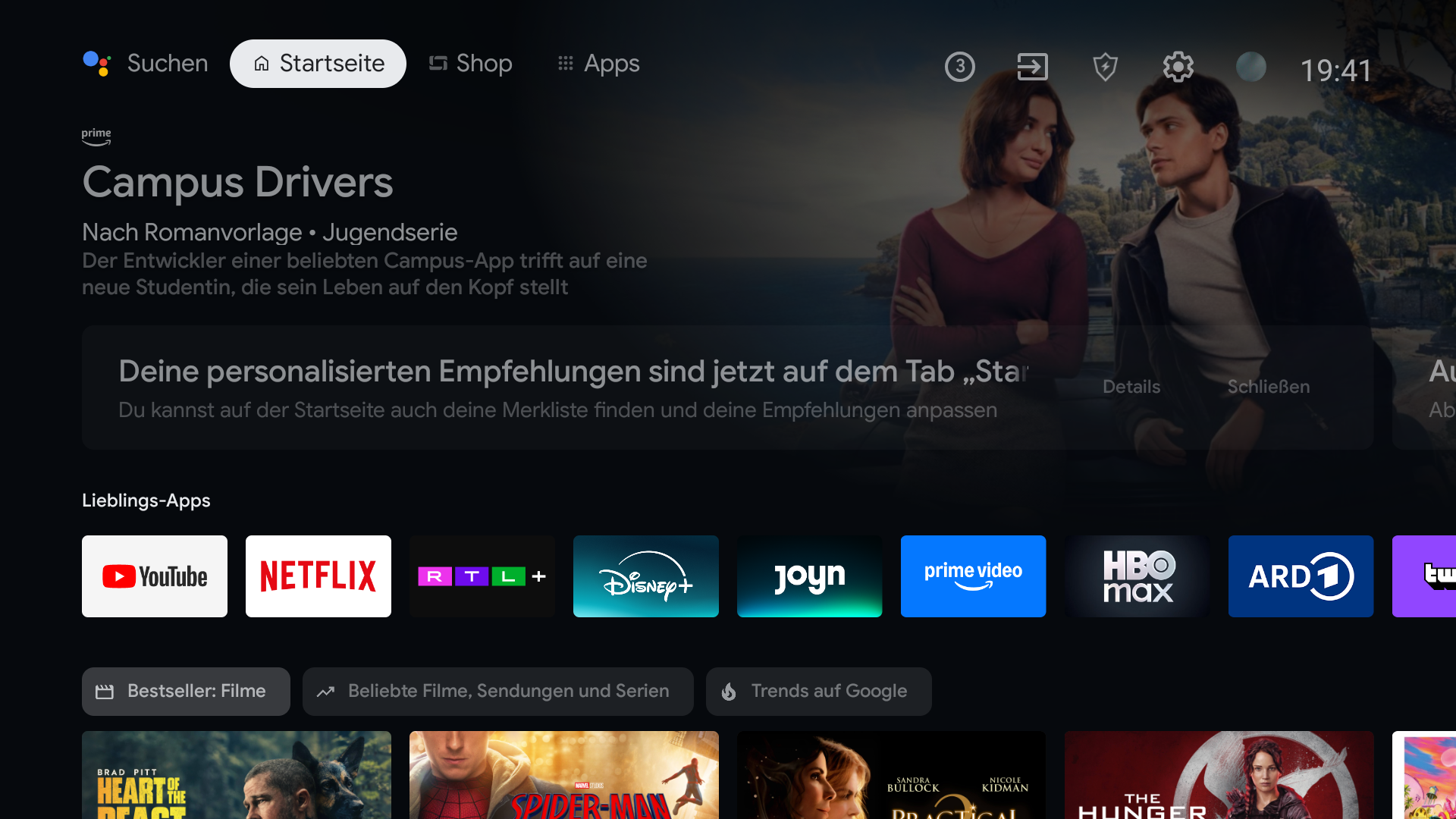
The price of the hardware does not necessarily buy an ad-free interface. Many smart TV platforms use Home for promotions, sponsored content, or recommendations. The options depend on your TV: you may be able to change ad settings, quiet the Home screen, or replace it with a compatible launcher.
The first thing you see is valuable space
You bought a screen to watch your own shows. Yet when you press Home, the largest part of the display may promote something else. That is frustrating because your installed apps can end up underneath content you did not ask to see.
Ads are not identical on every TV. The operating system, manufacturer, country, and software version all affect what appears. Look at the specific Home screen in front of you before following a fix written for another brand.
Start with the controls your TV already has
On Google TV, Apps only mode reduces personalized recommendations. Google says sponsored content can still appear. Android TV ad settings may change personalization, but Google says they do not turn ads off. These settings are worth trying if you want a quieter screen without changing your launcher.
If the Home itself is the problem
A different launcher replaces the screen you land on when you press Home. BetterTV is being made for compatible Android TV and Google TV devices so your favorite apps, current shows where available, and chosen background get that space instead. You set it up from your phone. The result is a TV that opens to what you use, without asking you to scroll past a promotion first.
That changes the Home screen, not the ad policy of each streaming service. Ads shown after opening an app are a separate issue.