

Give your TV  a better home screen.
Replace the ads and clutter on your TV’s Home with your apps, shows, and photos. Set it up from your phone.

THE PROBLEM
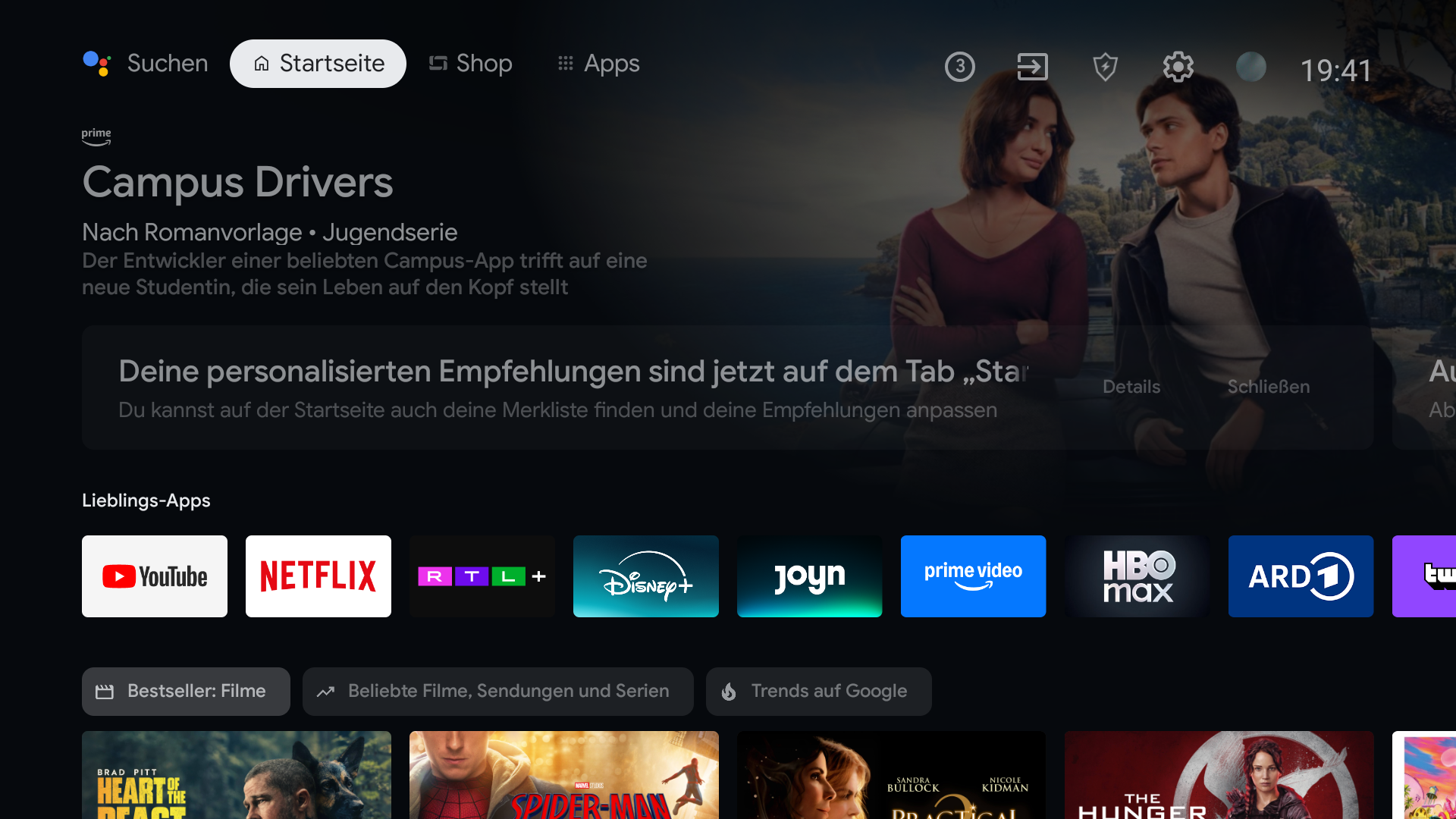
Your TV opens to ads. It should open to your apps.
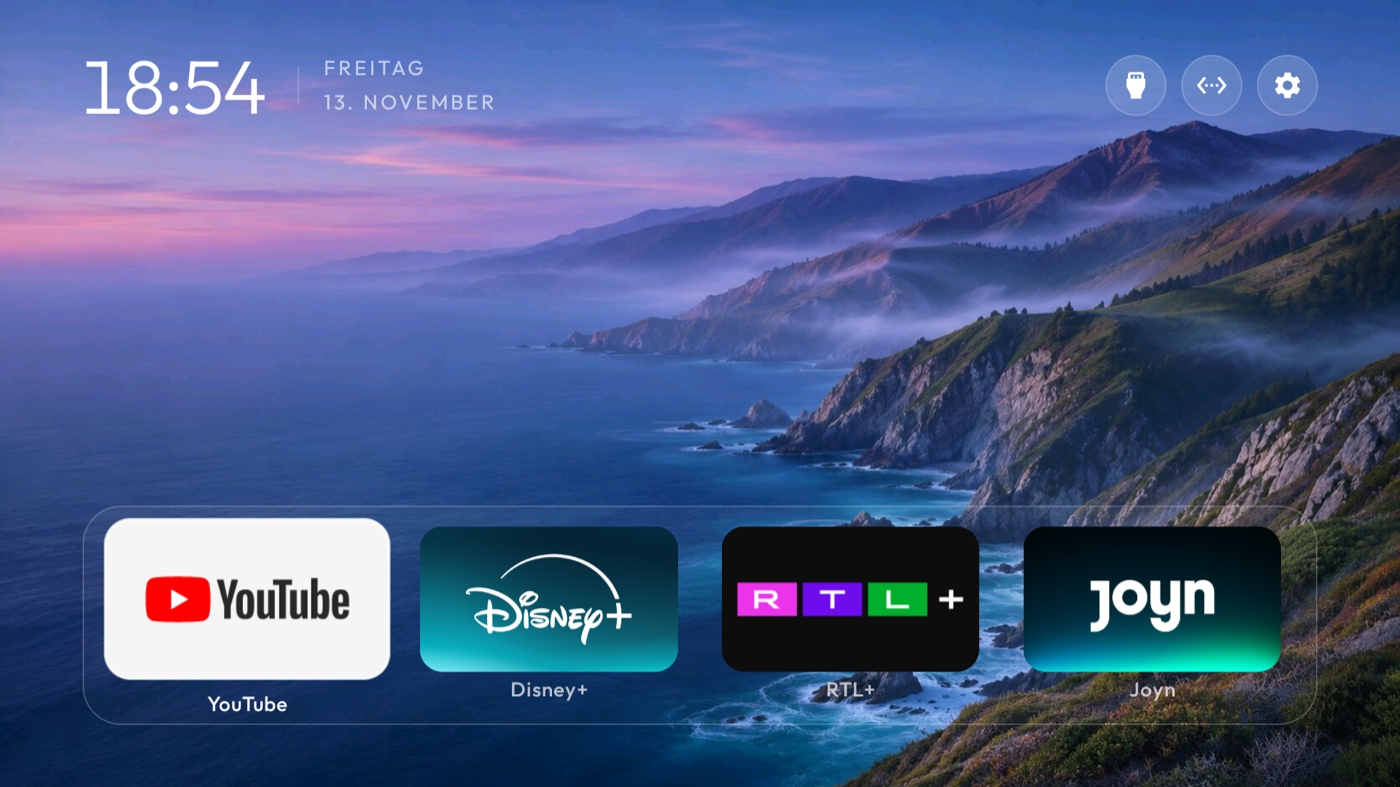
BetterTV replaces the crowded Home with the apps, shows, and photos you actually want to see.
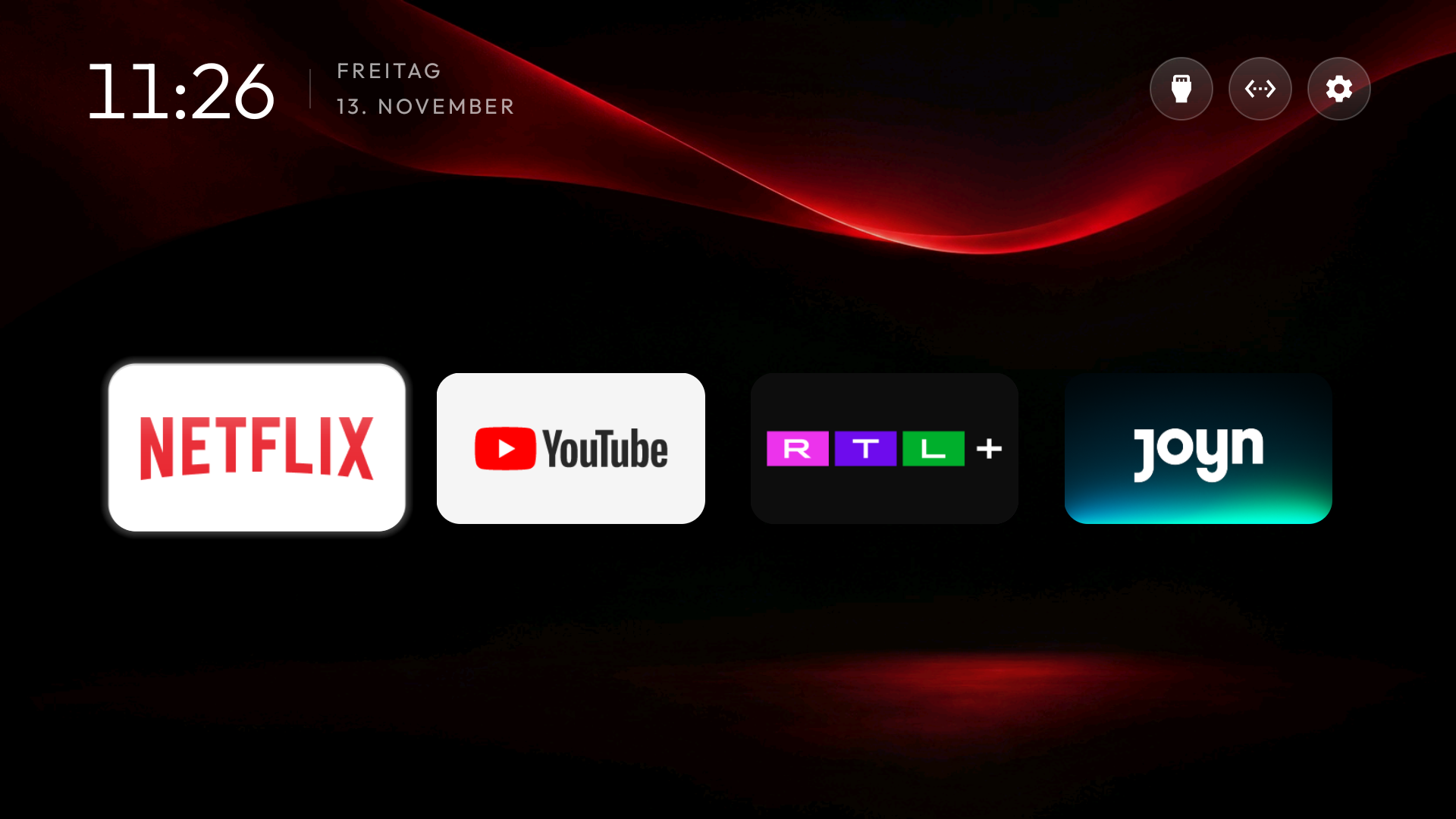
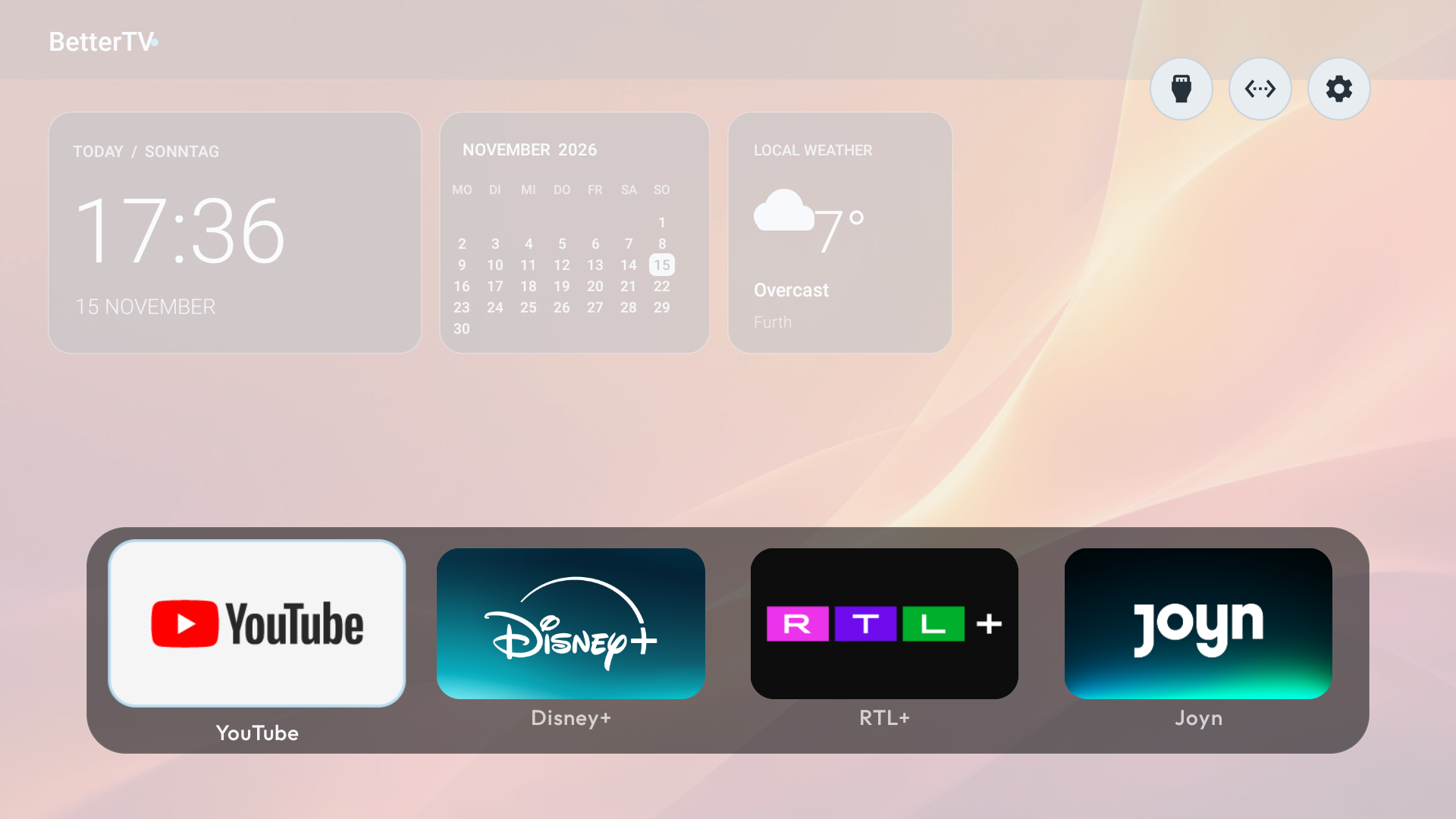
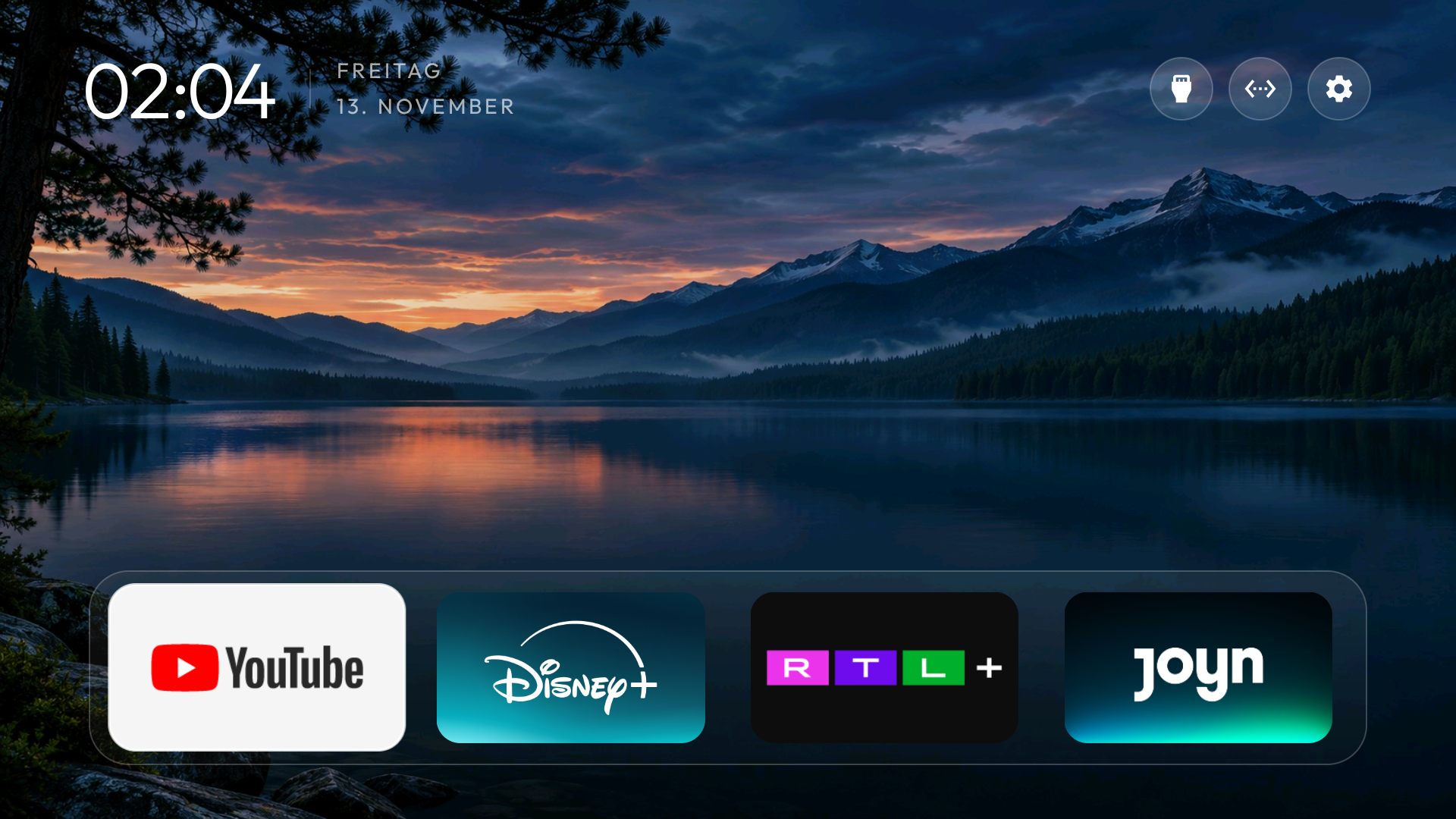
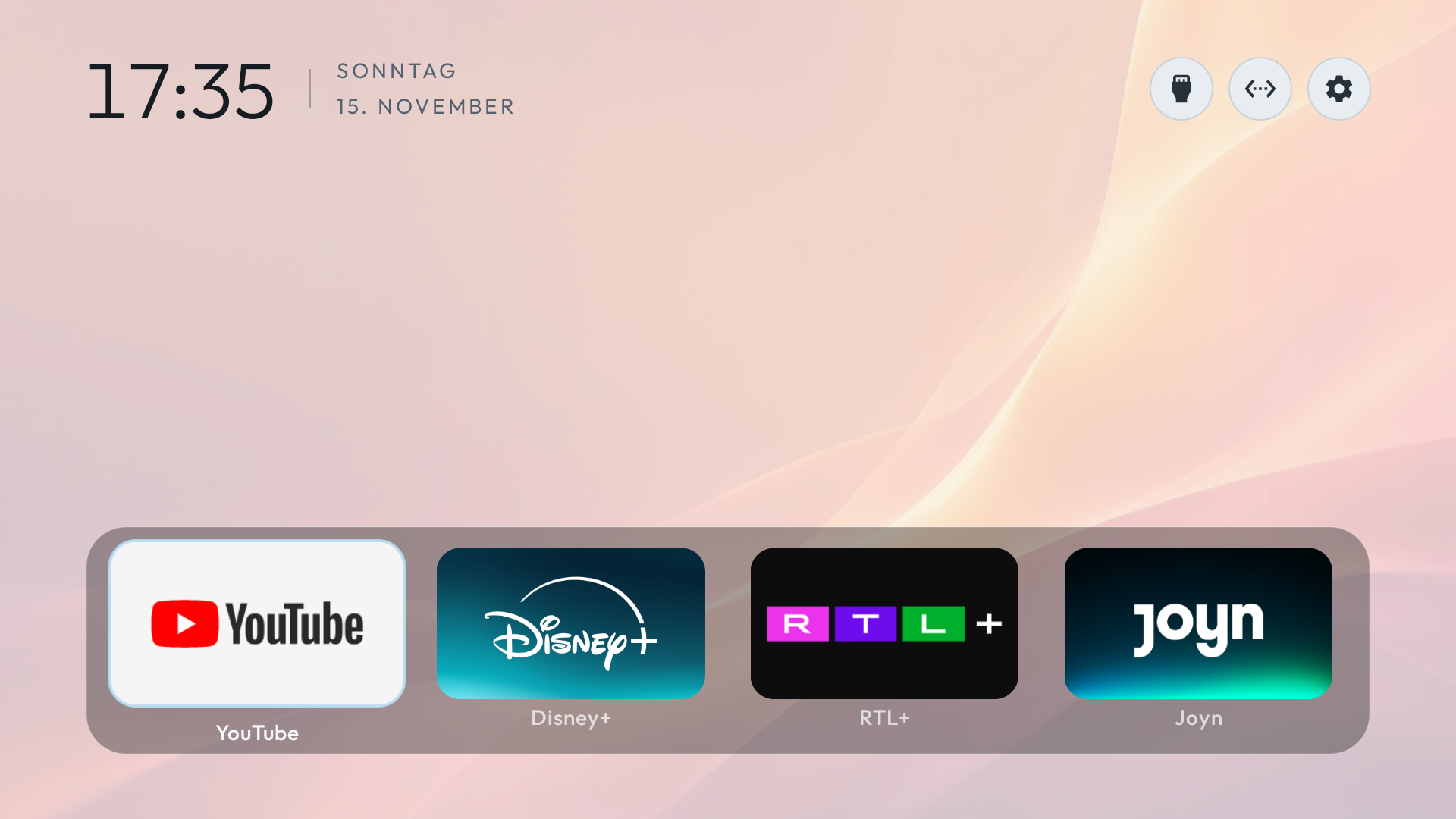
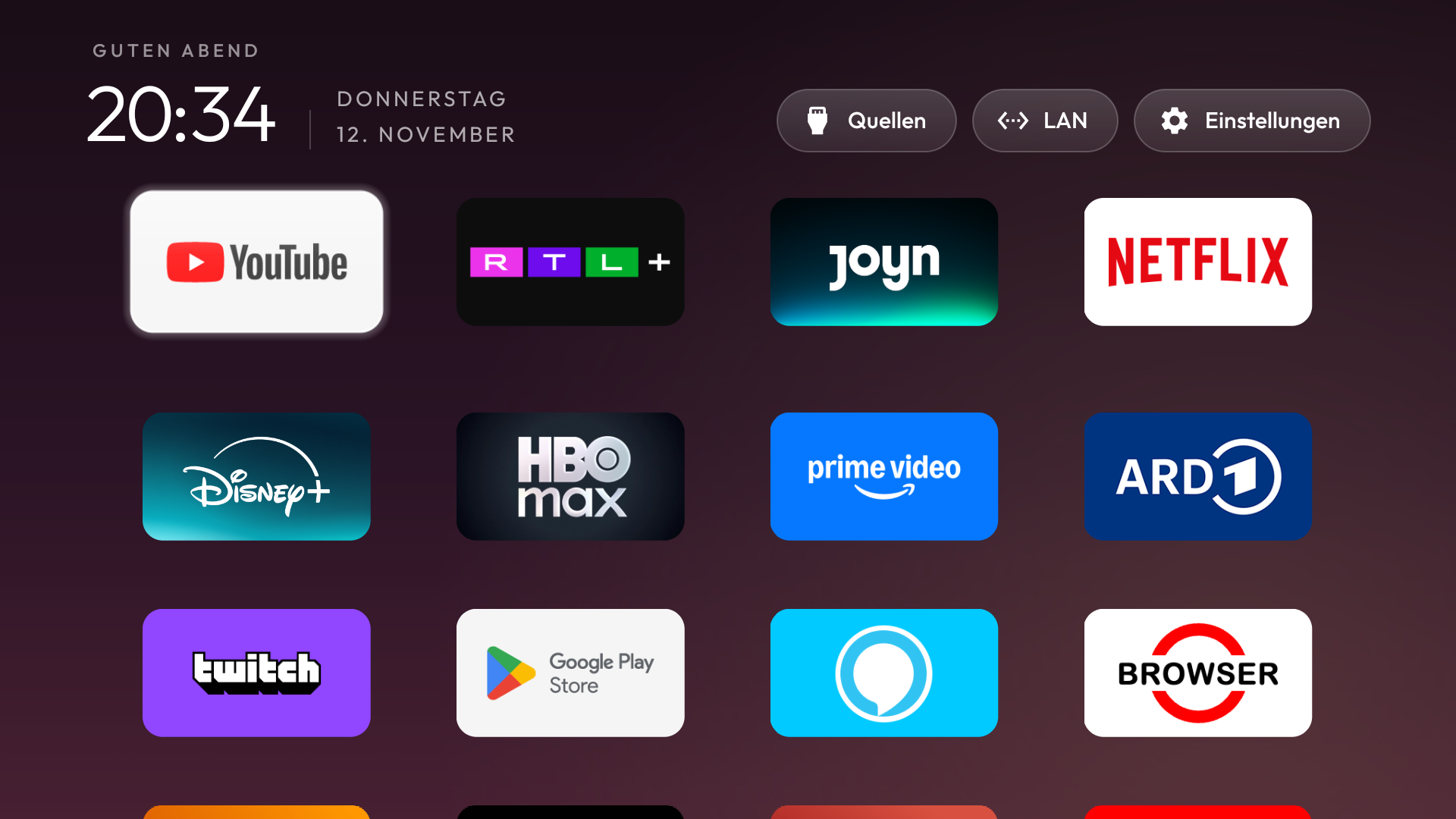
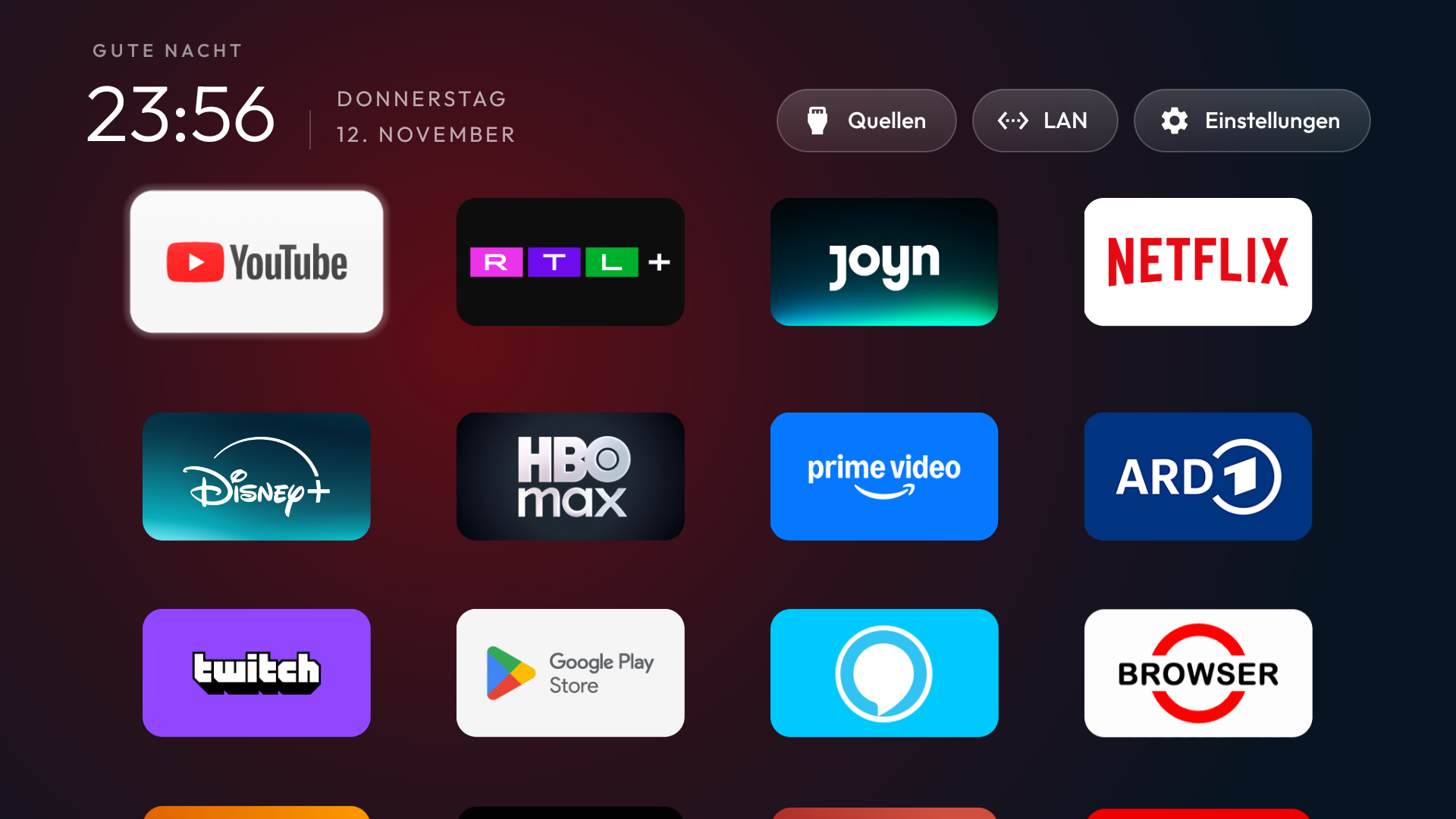
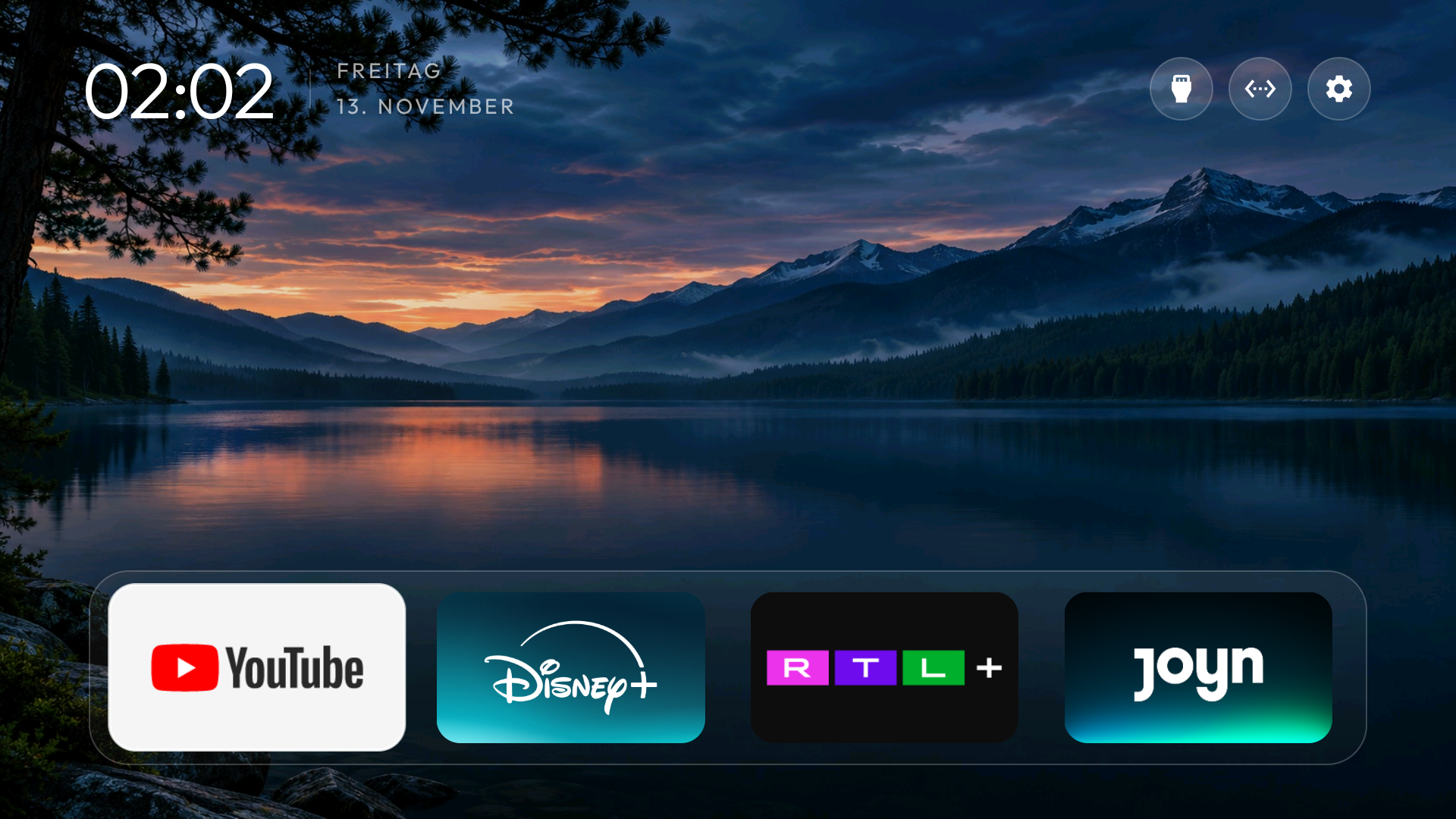
Choose a theme that fits your style.
Switch between different home layouts, then choose a background or one of your own photos. Make the change from your phone and see it on your TV.
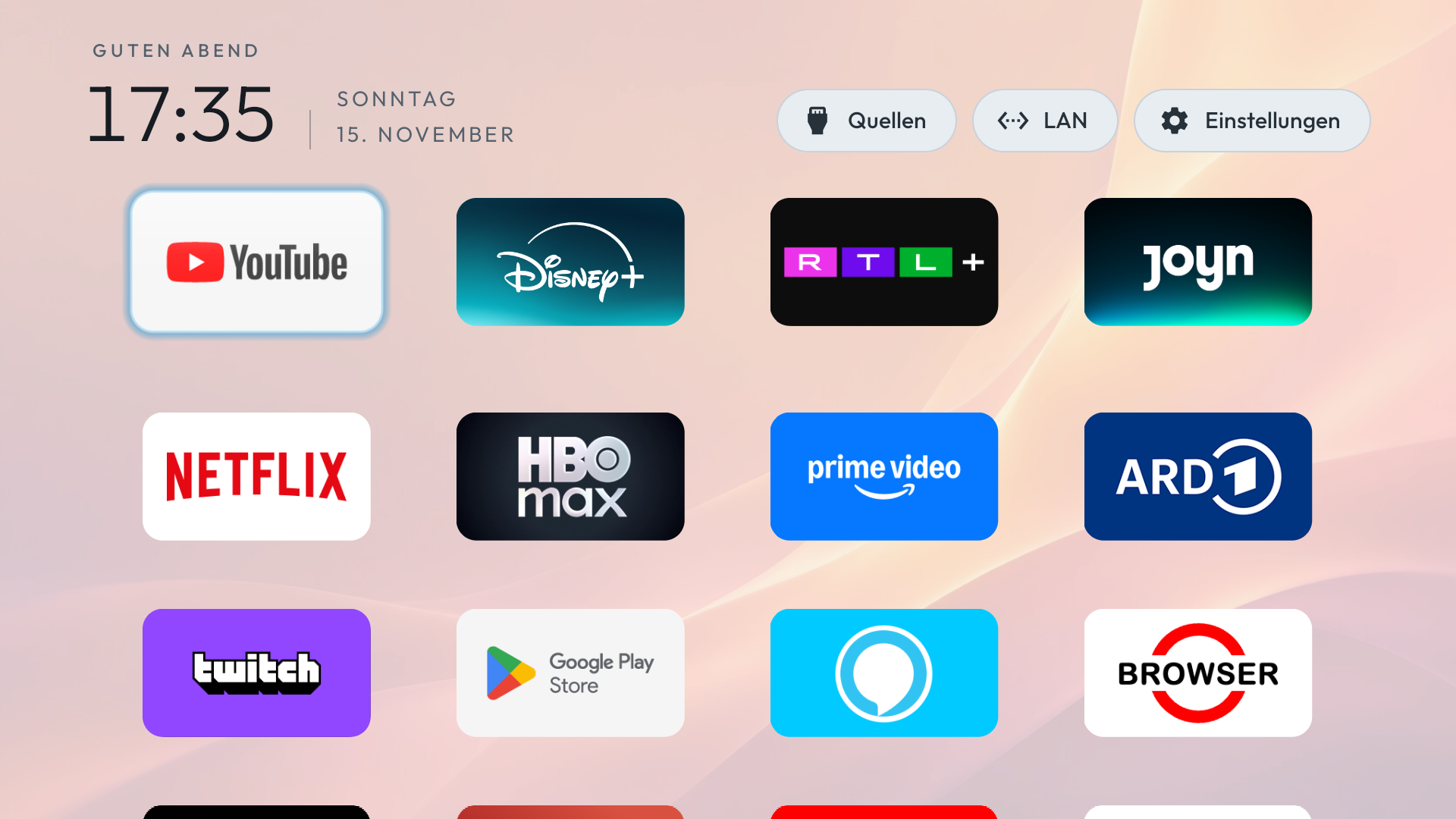
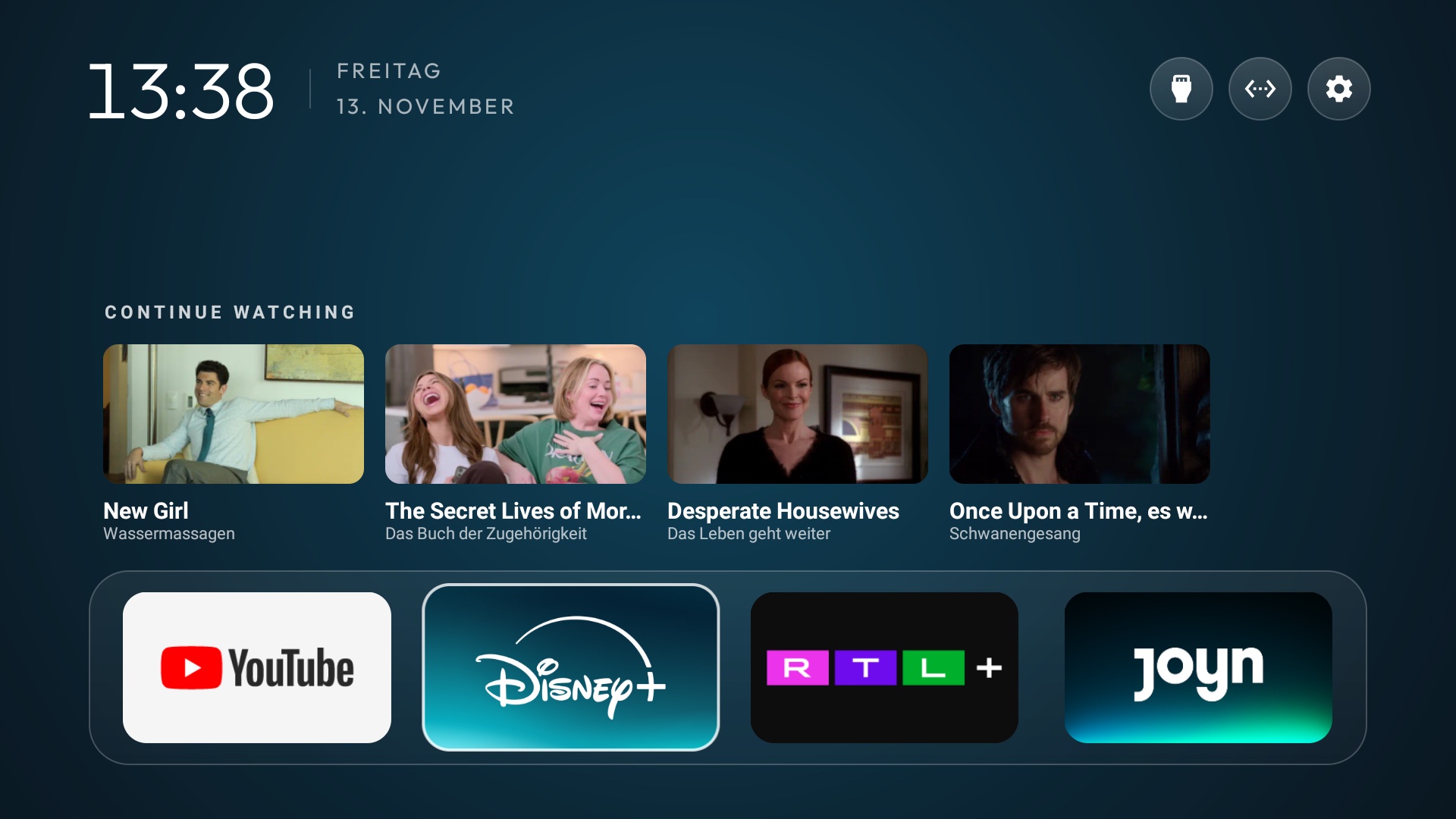
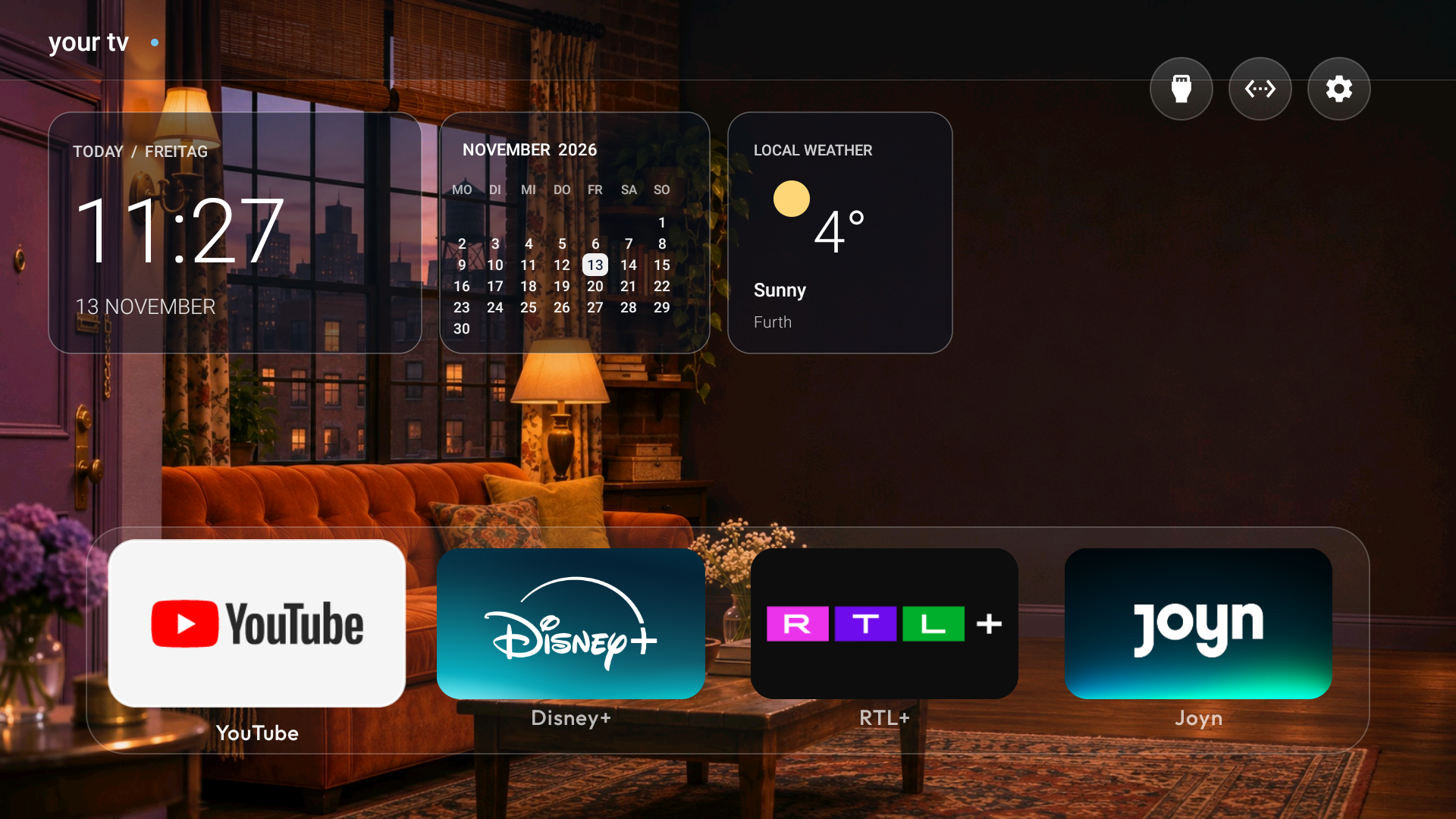
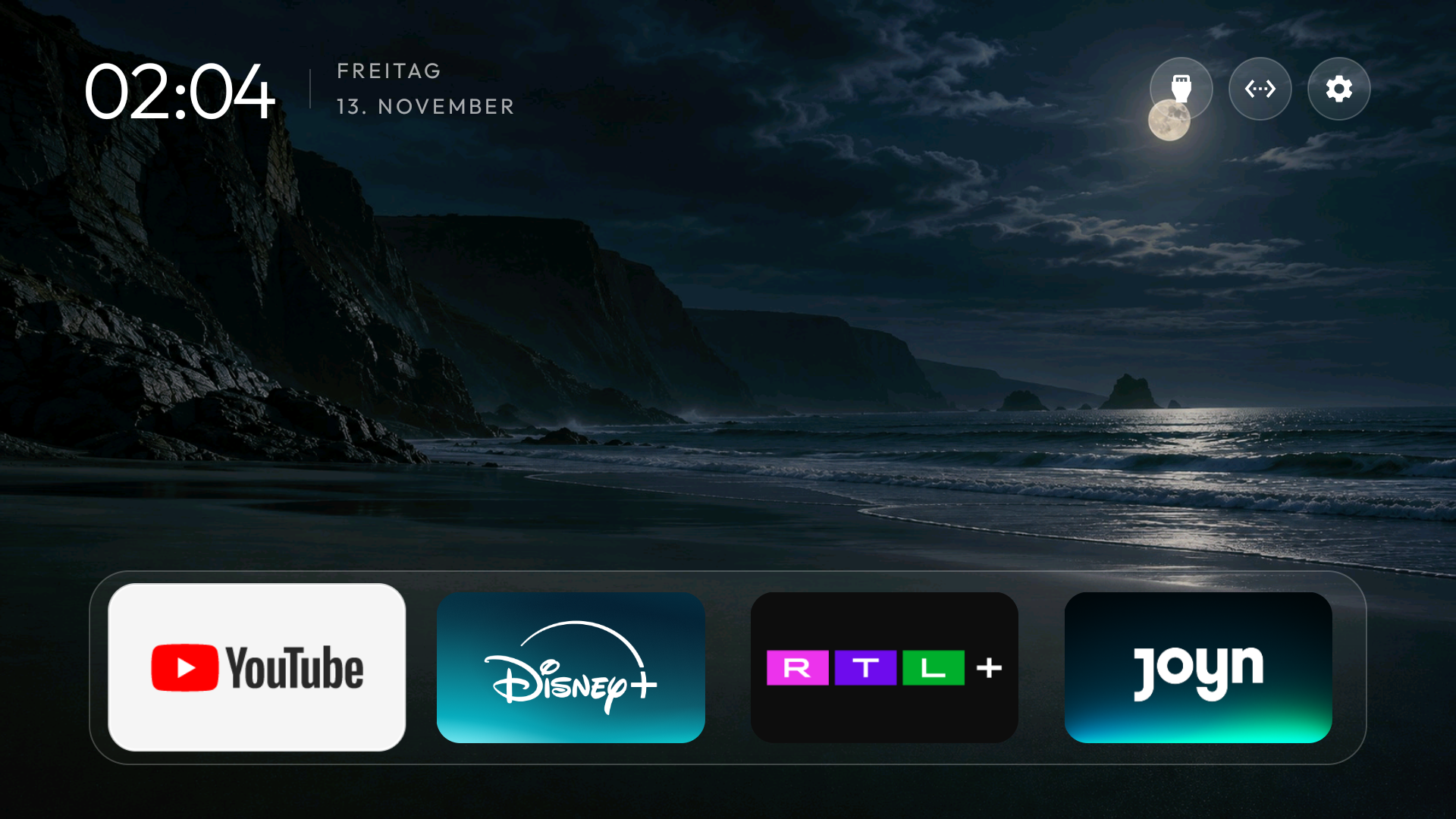
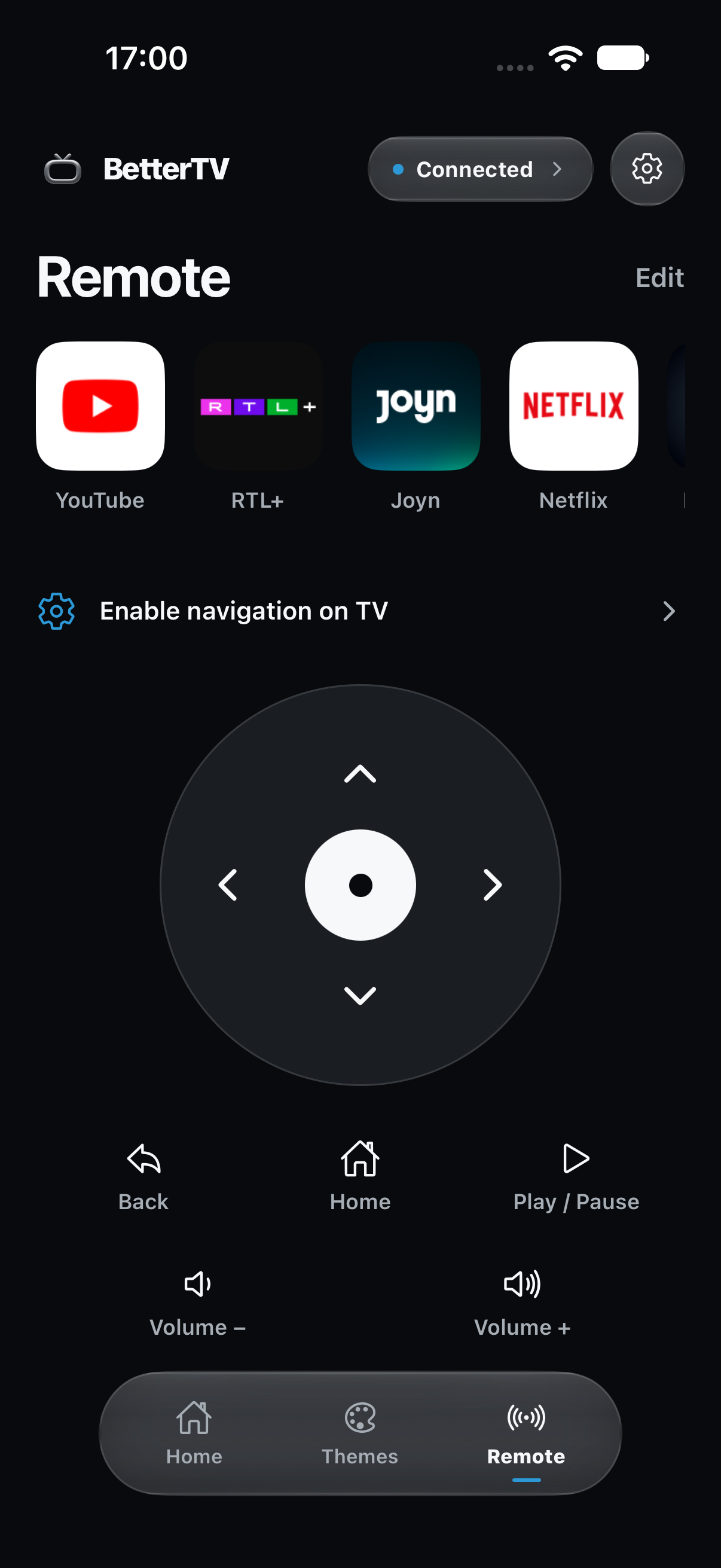
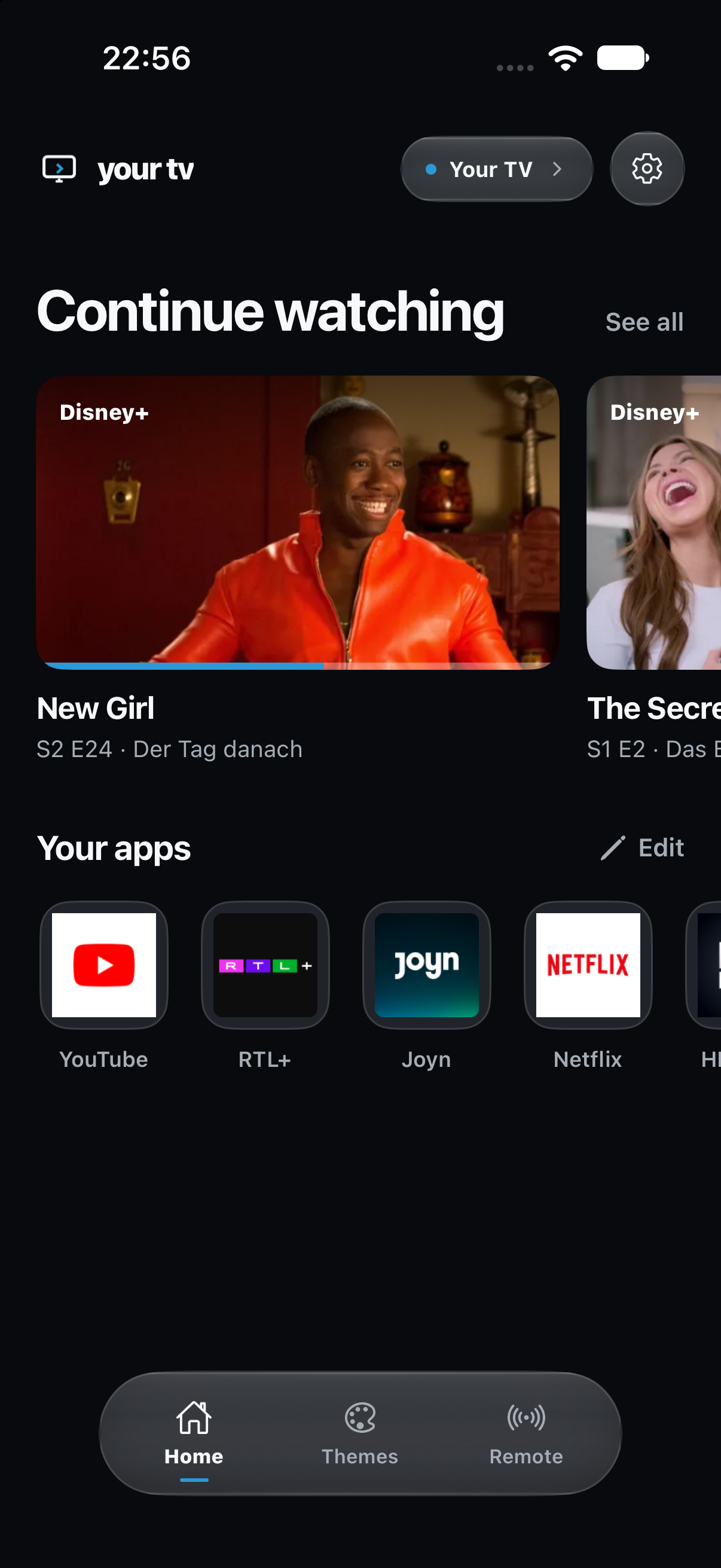
Your phone becomes the remote.
Open your favorite apps in a tap. Stay in control from the sofa.
Your next episode.
One tap away.
Find what you were watching on your phone and send it straight to the TV. No more hunting through app menus.
Set it up from your phone.
Find your TV, follow the guide, and pick a new Home. Approve the prompts shown on your TV.
No tech skills needed.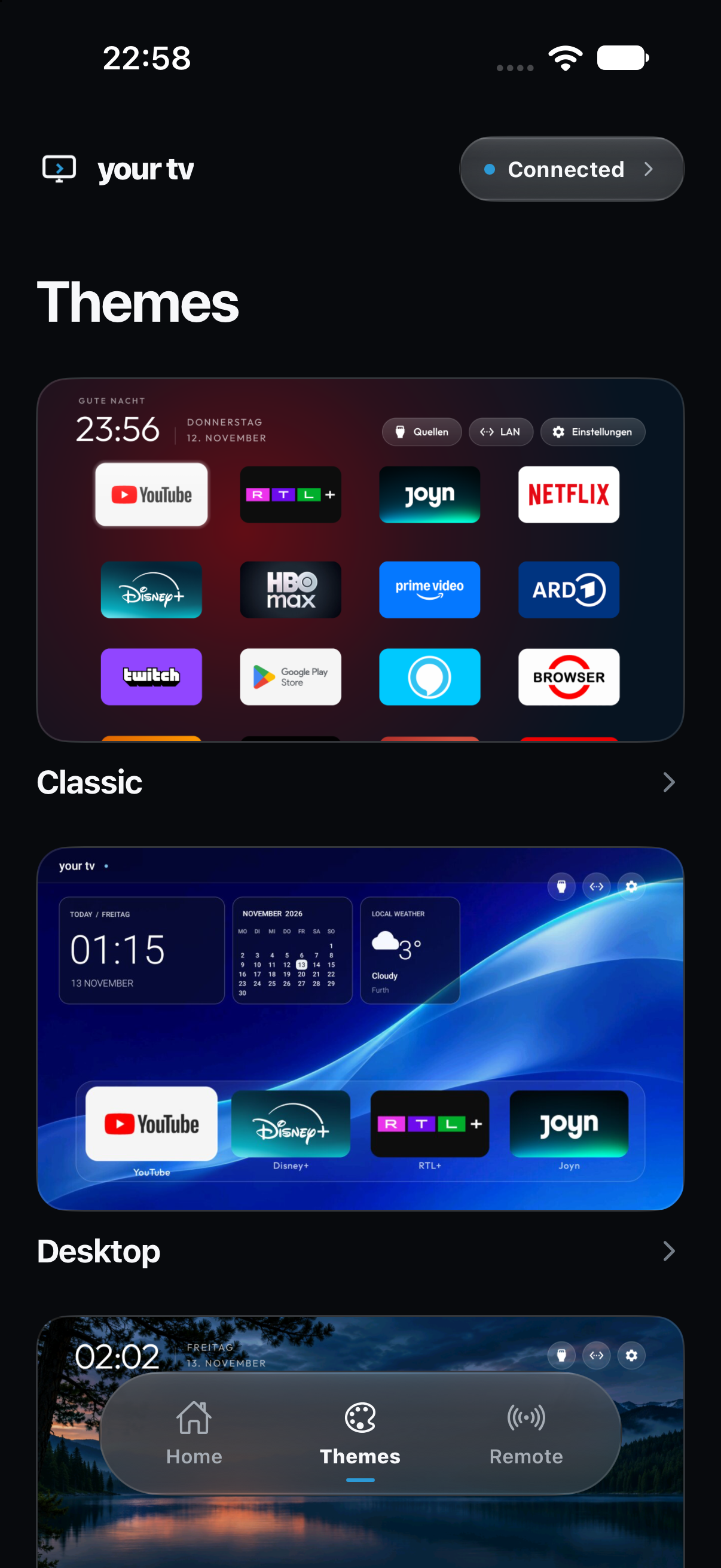
Works with
 and

Used by popular TV brands like


Availability depends on the model. Check for Google TV or Android TV in your TV’s settings.
A better Home
starts here.
Be first to try BetterTV on your Android TV or Google TV.
Questions.
Will it work with my TV?
BetterTV is being built for Android TV and Google TV. Check Settings → About on your TV for its operating system. Samsung Tizen and LG webOS are not included in the first release. Individual devices will be checked during setup.
Can I restore my original Home screen?
Yes. BetterTV includes a way to switch back to your TV’s original Home screen. Your streaming apps and accounts remain on the TV.
Does it remove ads from streaming apps?
No. Your new BetterTV Home has no sponsored placements. Ads inside YouTube and other streaming apps are controlled by those services.