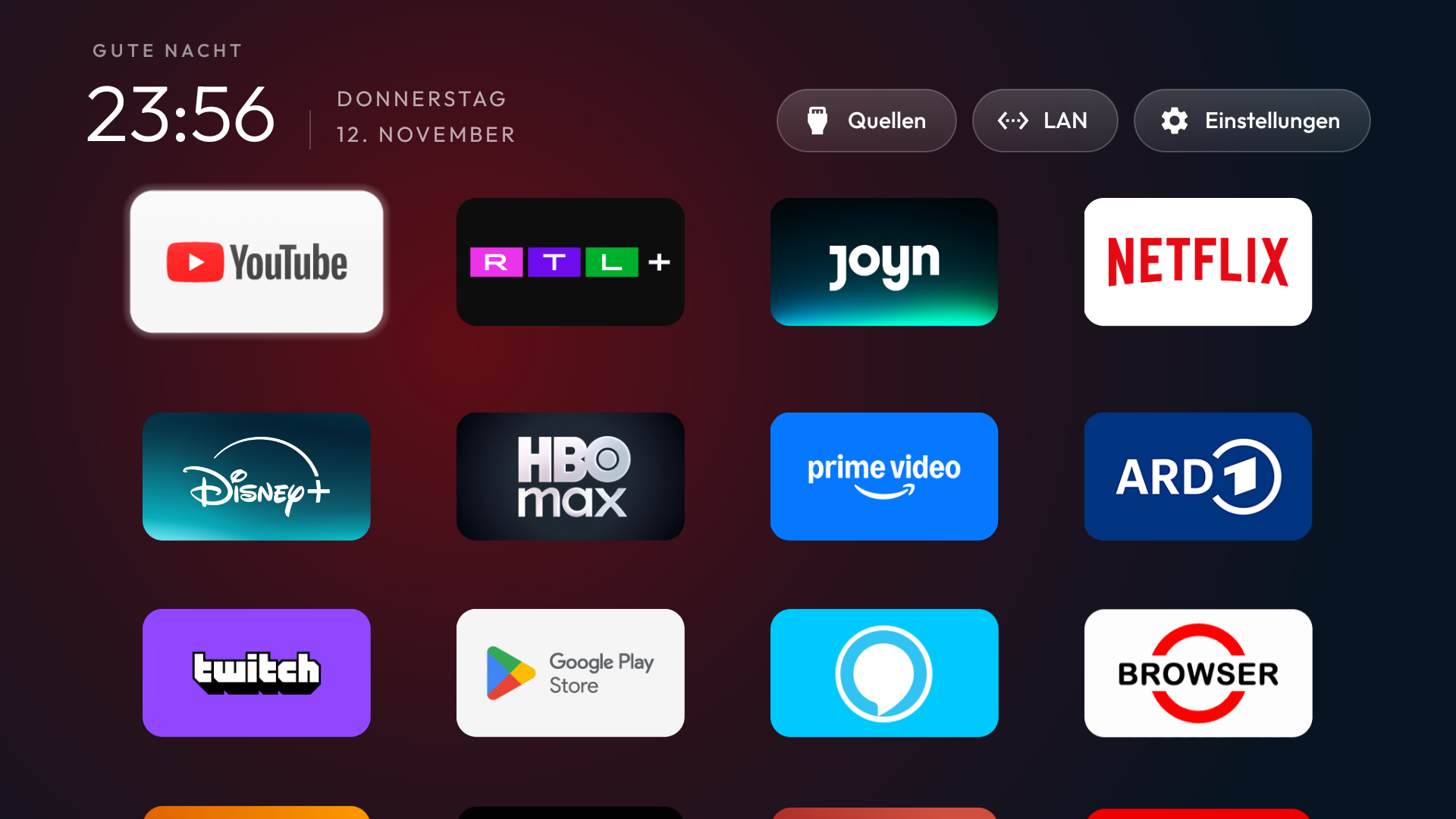
Most Android TV and Google TV devices let you reorder installed apps. Focus on the first few positions: those are the shortcuts you should be able to reach without hunting through rows.
Move the ones you actually open
On Android TV, you can also customize which channels appear below the apps row. The exact controls depend on the device; some manufacturer versions of Home have different menus.
- Go to the apps row on your TV Home screen.
- Highlight a favorite app and hold the select or OK button on the remote.
- Choose Move, then place it near the beginning of the row.
Make the row make sense for your household
Put the apps you reach for without thinking in the first four slots. That might be YouTube, Netflix, a local broadcaster, and a sports service. The right set changes by country and household, so a fixed collection of popular US apps is rarely the best answer.
BetterTV is being built to read the apps installed on the TV and let you choose your own shortcuts from the phone. If your favorite local service is not on someone else’s default list, it should still be able to earn a place on your Home. The aim is simple: press Home, see your apps, open one.