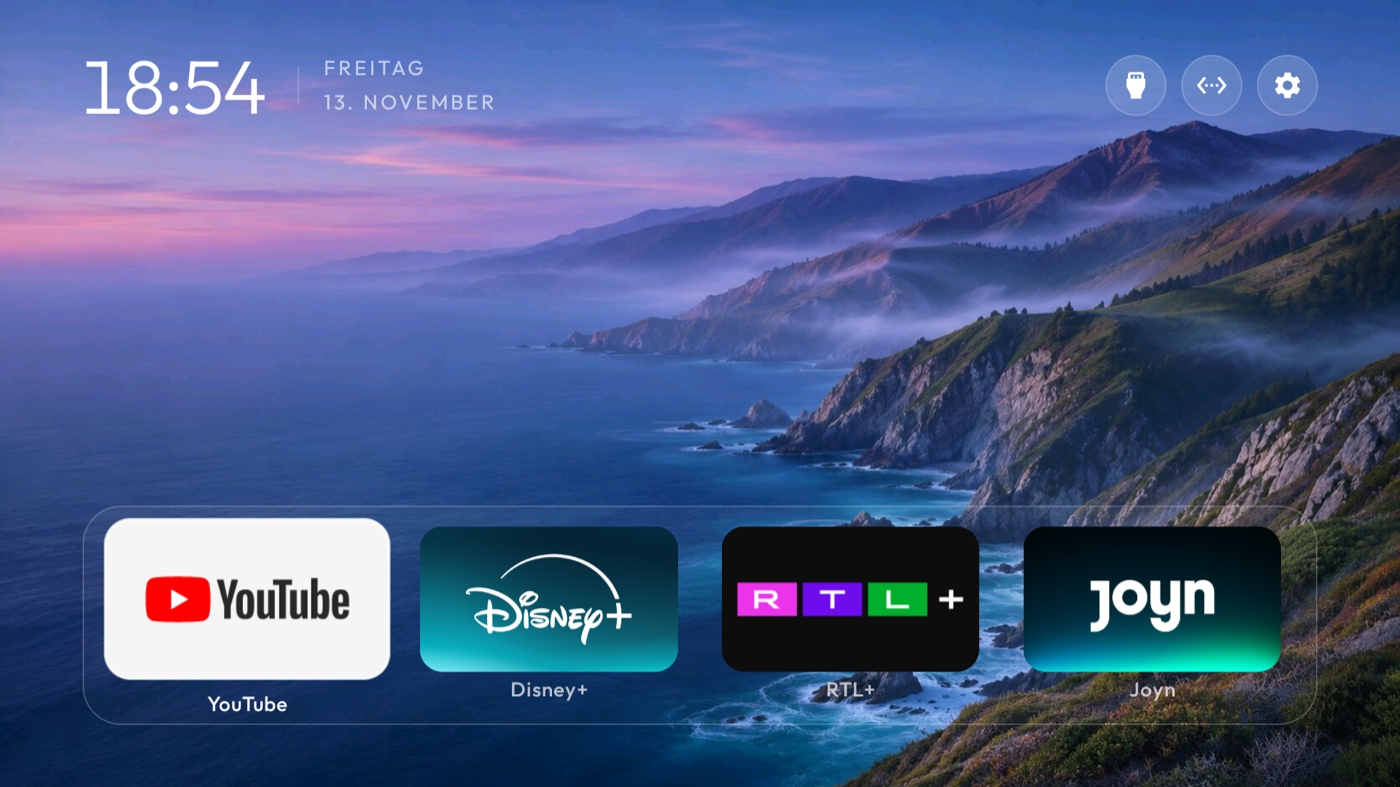
Yes. You can reorder apps and use Apps only mode in Google TV. A compatible alternative launcher can give you a completely different layout, though setting it as Home varies by device.
Level one: put your apps where you want them
You do not need a new app just to fix the order. From Google TV Home, go to the apps row, select the app you want to move, hold the select button, and choose Move. Put the four you reach for every night first.
Level two: quiet the recommendations
Apps only mode removes many recommendation rows. Find it under Settings → Accounts & Sign In → your profile. Sponsored content may still appear, according to Google, so this is a tidier version of the default interface rather than a blank canvas.
Level three: choose another Home
A launcher changes the actual layout. BetterTV is being made to offer different Home designs, favorite app shortcuts, personal backgrounds, and a companion phone remote. You choose the layout and the apps from your phone, then return to a Home built around what you watch. That is a much bigger change than dragging Netflix one slot to the left.
Before switching, find your TV’s exact model and software. Whether an alternative launcher can become the default Home depends on device behavior. Keep access to Settings so you can choose the original Home again.