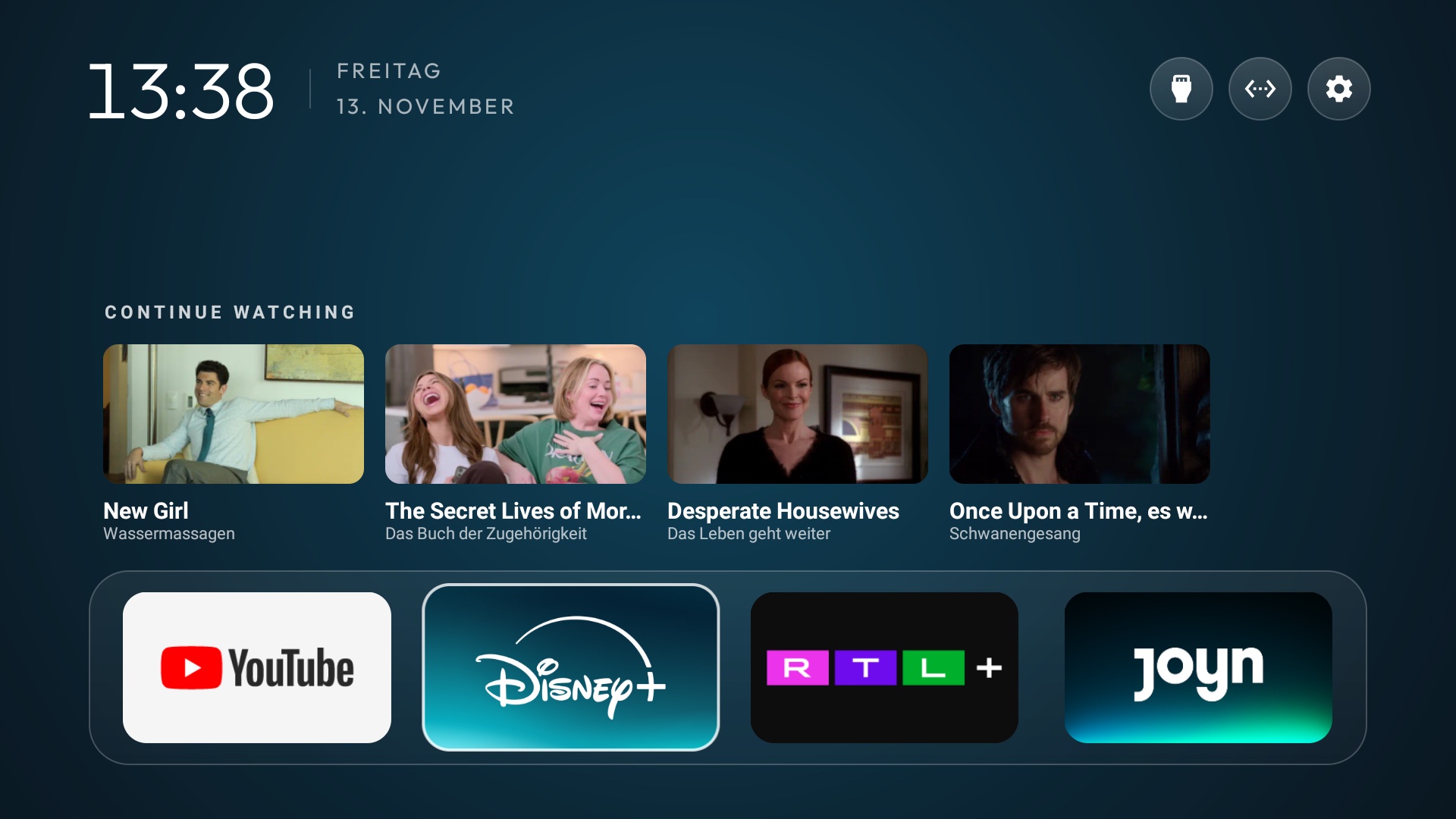
Open your TV’s Settings and find About or System information. Look for Google TV or Android TV in the software details. A brand alone is not a reliable answer because manufacturers use different systems across models and years.
Check the software on the TV
Menu labels differ between Google TV, Android TV, and manufacturer versions. If you cannot find the name, search your exact model number and “operating system” on the manufacturer’s support site.
- Open Settings from the TV Home screen.
- Look under System, Device Preferences, or About.
- Find the platform name and note the model number.
Why your brand is only a clue
TCL, Sony, Philips, Hisense, and other brands have sold TVs with different software depending on model and region. Two TVs with the same brand can have different Home screens. Samsung and LG TVs may also use their own platforms instead of Android TV or Google TV.
BetterTV is being developed for Google TV and Android TV. If your TV uses one of them, you may be able to replace the busy default Home with your favorite apps, chosen layout, and photos. Even within those platforms, the steps for making a new launcher the default Home may vary. A model-level check is much more useful than a generic “works with your brand” claim.